A cable tray is the easiest way to get power strips, chargers and loose cords off the floor. Most guides assume you can screw it into the underside of the desk. In a rental, or on a desk you plan to keep unmarked, you can't, or you'd rather not. This guide covers the two ways to mount a tray with no screws: adhesive and clamp-on.
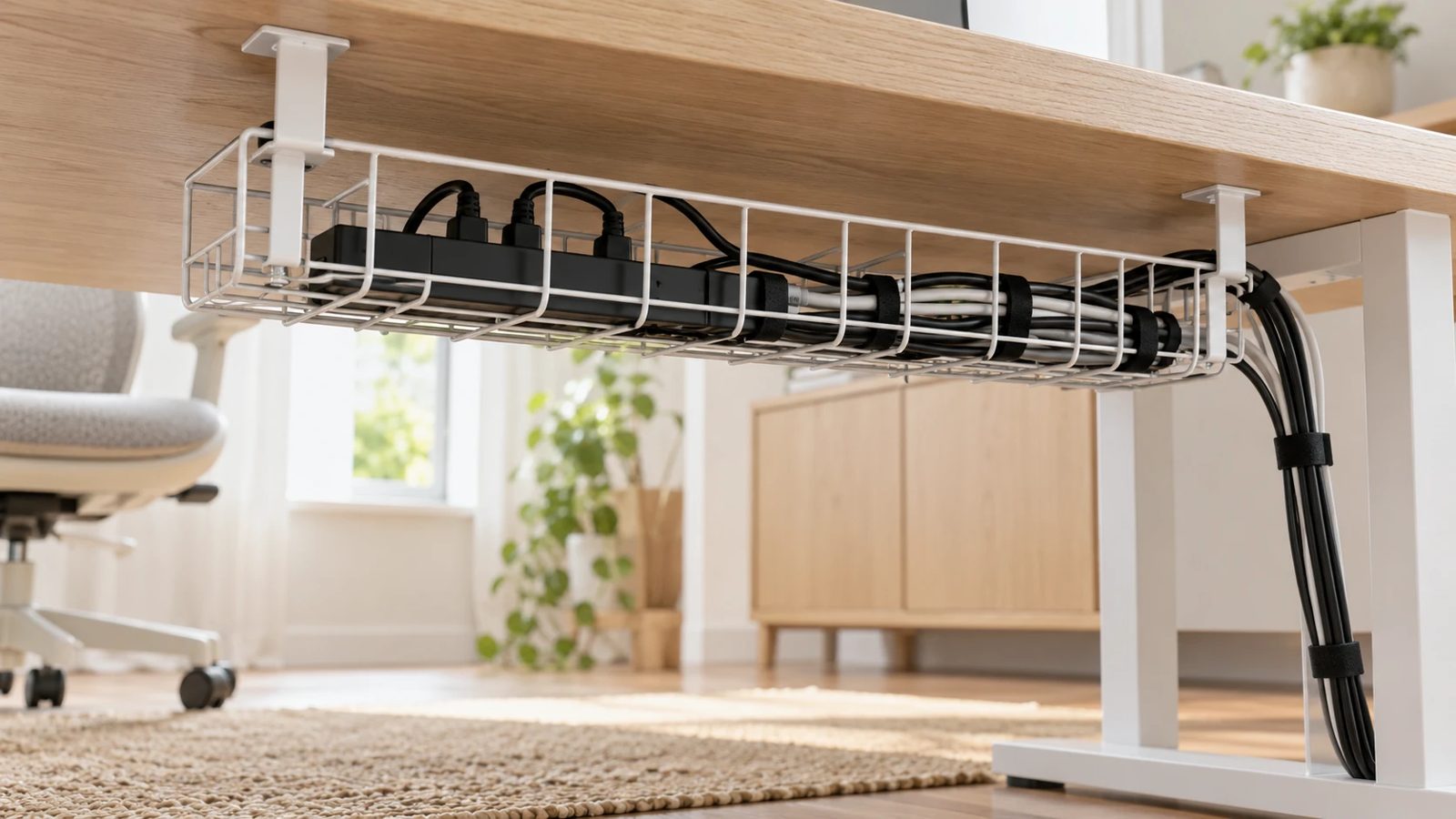
Adhesive-mount trays
An adhesive tray sticks to the underside of the desk with foam tape or a peel-and-stick pad. It is the lightest-touch option and works on most flat, clean surfaces. Check these before you buy:
- Surface material. Adhesive grips smooth laminate, metal and sealed wood. It grips poorly on rough, oily or textured surfaces.
- Load. A power strip plus a few adapters weighs more than it looks. Compare the tray's stated load limit with what you will actually put in it, not with the empty tray.
- Removal. Strong adhesive can lift laminate or finish when it comes off. If you rent, or the desk has a veneer, a clamp-on tray is the safer choice.
Clean the underside with isopropyl alcohol and let it dry first. Hold the tray in place for the time the adhesive maker specifies before loading it.
Clamp-on trays
A clamp-on tray grips the desk's rear or side edge instead of the underside. It needs no adhesive and moves easily when you rearrange the room. Two things decide whether it fits:
- Edge thickness. Every clamp has a maximum opening. Measure your desk edge, and check the range in the product listing before ordering.
- Frame under the desk. Some desks have a rail or crossbar right behind the edge. A clamp can only grip where there is clear space for it.
Glass and thick desks
Thick solid-wood tops can exceed a clamp's opening. Glass tops are a poor surface for most adhesives and can be damaged by a tight clamp. For both, look for a model that states its glass or thick-top compatibility. If none does, a floor-standing or desk-leg-mounted cable box avoids the problem.
Standing desks
On a height-adjustable desk, cables need slack so they don't pull as the desk rises. Mount the tray to the desk so it moves with the top, and leave a loop of extra cable running down to the wall. A tray fixed to the wall or floor can tear cables out as the desk goes up.
What to check before you buy
- Measure the desk edge thickness and the clear space under it.
- Weigh what you will put in the tray: the power strip and the adapters, with their stated weights.
- Decide whether the desk must stay unmarked when you move out. If so, choose clamp-on.
- Leave enough cable length for the desk to move, if it is adjustable.
For the rest of a no-drill setup, see monitor arms and shelves that skip wall mounting and rental-friendly home office upgrades.